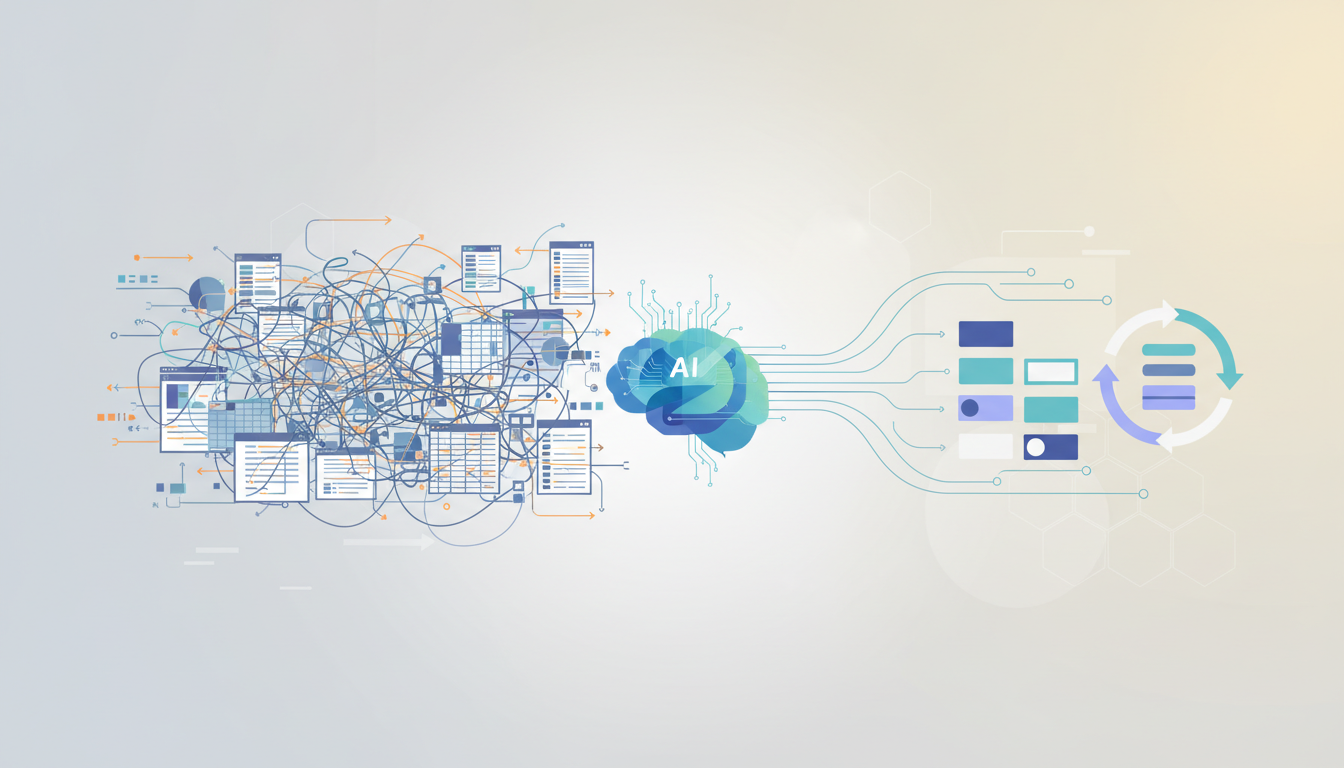
For many small and medium-sized businesses across Australia, spreadsheets are both a lifeline and a liability. They start as a quick solution. A simple way to track leads, manage invoices, monitor stock or record staff hours. Over time, however, those spreadsheets multiply. Versions get duplicated. Formulas break. Data becomes inconsistent. Reporting requires manual reconciliation. What began as a flexible tool slowly turns into operational friction.
The issue is not that spreadsheets are bad. They are powerful, accessible and familiar. The problem is that they were never designed to be long-term operational infrastructure. When a business grows, complexity grows faster than the spreadsheet model can handle.
This is where AI-driven workflow automation enters the conversation — not as a buzzword, but as a structural upgrade.
Why Spreadsheet Chaos Happens
Spreadsheet chaos rarely appears overnight. It develops gradually.
A sales spreadsheet sits separately from an invoicing spreadsheet. Marketing performance lives in another document. Staff scheduling might be managed in yet another file. To generate a performance report, someone manually combines numbers from three or four different sources. If one column shifts or one formula fails, errors ripple through the system.
This fragmentation creates three core problems. First, it consumes time. Second, it introduces risk through manual handling. Third, it limits visibility because no single source of truth exists.
Small businesses tolerate this friction for longer than they should because the immediate cost appears low. Spreadsheets are inexpensive. The hidden cost lies in hours lost each week and decisions made on incomplete data.
What an Automated Workflow Actually Means
An automated workflow is not simply replacing a spreadsheet with another software platform. It is about structuring how information flows through the business.
Instead of manually copying enquiry details from email into a spreadsheet, an automated system captures the enquiry, categorises it, logs it in a central database and triggers a follow-up action. Instead of updating stock levels manually, the system syncs sales data with inventory in real time. Instead of building monthly reports from scratch, dashboards update automatically based on live inputs.
AI enhances this structure by adding intelligence to the flow. It can identify patterns in customer behaviour, flag anomalies in financial data, prioritise urgent leads or generate summaries for management review. The automation handles repetition. The AI layer handles interpretation.
The result is not just speed. It is clarity.
A Practical Upgrade Path for SMBs
The transition from spreadsheet-based operations to automated workflows should not be overwhelming. The most effective upgrades are incremental.
The first step is identifying friction points. Where does manual data entry occur repeatedly? Where are mistakes common? Which reports take disproportionate effort to prepare? These areas often represent the highest return on automation.
The second step is consolidating data sources. Before introducing AI features, a business needs structured, reliable data. This may involve integrating existing tools, centralising records or standardising formats.
The third step is layering automation. This could mean automating enquiry management, invoice reminders, reporting dashboards or scheduling systems. Each improvement reduces manual workload and strengthens operational consistency.
Finally, AI can be introduced where analysis adds value. Predictive insights, automated content drafting or performance forecasting become meaningful only when the underlying workflow is stable.
The Financial Perspective
Many SMB owners hesitate because they assume automation requires significant upfront investment. In reality, the financial case should be framed differently.
Consider the number of hours spent each week reconciling spreadsheets, correcting errors or preparing reports. Multiply that by labour cost. Over twelve months, the cumulative impact is substantial.
Automation does not eliminate staff. It reallocates effort. Time previously spent on repetitive tasks can be redirected towards client relationships, strategic planning or revenue-generating activities.
In competitive Australian markets, efficiency gains translate directly into resilience. Rising wages and compliance obligations make operational optimisation increasingly important.
Beyond Efficiency: Strategic Impact
The shift from spreadsheets to automated workflows does more than reduce workload. It changes decision-making quality.
When data is centralised and consistently updated, management gains real-time visibility. Trends become apparent earlier. Cashflow pressure can be anticipated. Marketing performance can be adjusted quickly. Operational bottlenecks can be identified before they escalate.
Spreadsheets often provide snapshots. Automated systems provide continuous insight.
This difference may seem subtle, but over time it shapes competitive positioning. Businesses operating on outdated information react slowly. Businesses operating on structured, live data respond with agility.
Avoiding Common Pitfalls
Automation for its own sake creates new complexity. The goal is not to introduce as many tools as possible. It is to simplify and align systems.
Fragmented automation — where multiple disconnected apps replace multiple spreadsheets — does not solve the underlying issue. Integration and coherence matter more than feature lists.
Another mistake is attempting a full transformation at once. Large-scale system overhauls disrupt operations. A phased approach reduces